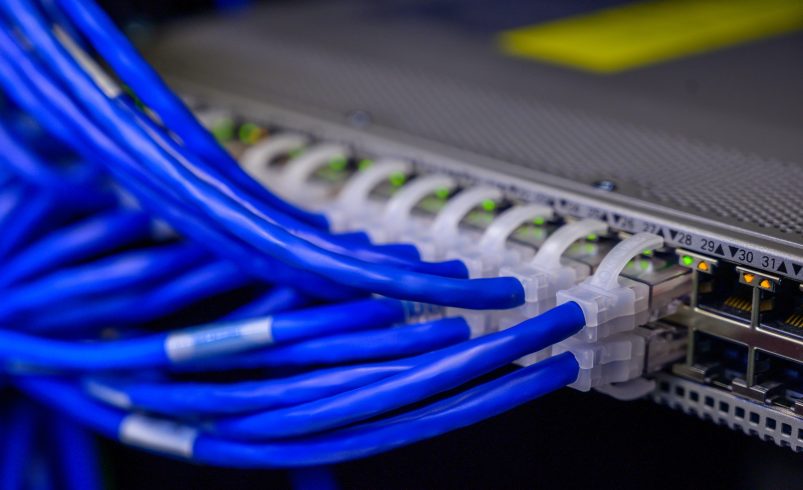
Understanding Network Configuration Management 2024
Network configuration management (NCM) is a crucial process applied to every device on a network throughout its lifecycle. This process includes device discovery, inventory maintenance, configuration backup, monitoring configuration changes and compliance, tracking user activity, and troubleshooting by performing necessary network operations. Managing NCM manually can be a tedious task for administrators. However, automating network configuration management to meet specific needs and specifications can significantly enhance the efficiency of your network infrastructure and reduce the administrative burden.
Most organizations manually take backups and save them as flat files, which is not recommended due to the increased risk of hacking. To enhance security, always encrypt and securely save your configurations.e are witnessing an amalgamation of technologies that is poised to redefine our world. I am truly exhilarated by the trajectory that IT solutions are taking as we peer into the future.
What is a Network Configuration Manager?
A Network Configuration Manager is a powerful tool designed to provide comprehensive solutions for managing the entire lifecycle of network devices and their configurations. It offers robust features for network configuration, change management, and compliance management. With this tool, you can automate complex network operations, schedule backups, track user activity, generate detailed reports, and much more, ensuring efficient and streamlined network management.
Configuration Change Management
Keeping a record of users is essential to facilitate the easy identification of configuration changes. In a network with multiple operators, it is crucial to prevent unauthorized changes that might lead to undesirable outcomes. While these precautions reduce the likelihood of errors, they do not eliminate the risk entirely. This is where configuration backups become vital. By maintaining trusted versions of configurations, you can quickly restore devices and ensure business continuity using Network Configuration Manager.
Executing Complex Network Operations
Network Configuration Manager simplifies the execution of complex network operations, often allowing for automation. For example, if you need to change the password on all Cisco routers in a network, applying the change individually would be tedious. Configuration templates, known as ‘Configlets,’ can centralize this operation across all devices. Additionally, Configlets offer scheduling capabilities, enabling automated execution of operations without the need for user presence.

Network Compliance to Industry Standards
Ensuring your network devices comply with industry standards is crucial for data security and protecting your business from reputational risks. Here are some examples of compliance requirements and their respective actions:
CIS Cisco ASA Policy
This policy applies to all network devices running on the Cisco Adaptive Security Appliance (ASA) operating system.
Condition: The policy requires checking if a local username and password are present in the configuration.
Action Required: The network admin must add a local username and password to the configuration.
PCI Compliance:
This applies to any company that accepts card payments, and stores, processes, or transmits cardholder data.
Condition: The policy mandates that passwords for all devices be reset every 6 months.
Action Required: The network admin must ensure that passwords are changed on schedule.
SOX Compliance:
This compliance aims to reform financial disclosures and prevent accounting fraud in corporations.
Condition: The policy requires user lockout after a specified number of failed login attempts.
Action Required: The admin must set the maximum number of failed login attempts.
HIPAA Compliance:
This mandates the protection of sensitive patient records. Any establishment handling sensitive health information must comply with the HIPAA Act.
Condition: HIPAA Compliance requires using NBAR to track traffic and block unwanted protocols. (NBAR is a mechanism that regulates and classifies bandwidth for network applications.)
Action Required: The admin must check and enable NBAR.
Benefits of Using Network Configuration Manager: A Comprehensive Network Configuration
- Management (NCM) Software
- Built-in multi-vendor device configurations.
- Automated backups of configuration files.
- Encryption and secure storage of configuration files.
- Real-time tracking of configuration changes.
- History record of configuration changes.
- Instant recovery from network disasters.
- Enhanced network security by preventing unauthorized configuration changes and notifying the admin.
- Reduced configuration errors through regulated changes with change management.
- Automation of both simple and complex network operations.
- Ensured device configuration compliance with industry standards.
- Time savings on repetitive tasks.
- Roll-back mechanism for unsatisfactory configuration changes.
- Insightful reports on changes, compliance, inventory, and other vital network parameters.
In conclusion, effective network configuration management is crucial for maintaining the security and efficiency of your network infrastructure. Automating these processes can significantly reduce administrative overhead and minimize the risk of errors. By leveraging advanced tools and best practices, your organization can ensure compliance with industry standards and optimize network performance.
For comprehensive network configuration services and expert support, visit HPTechs.com or call us at +44 7384 472764 “Empower your business with reliable IT solutions tailored to your specific needs”.